
Sparks of Joy
Step-by-step guide
Sparks of Joy brings together bite-sized learning about dementia with small ways to show support for caregivers in the community. Here's a quick guide on how to create a Spark, unlock badges and share your encouragement through CARA.
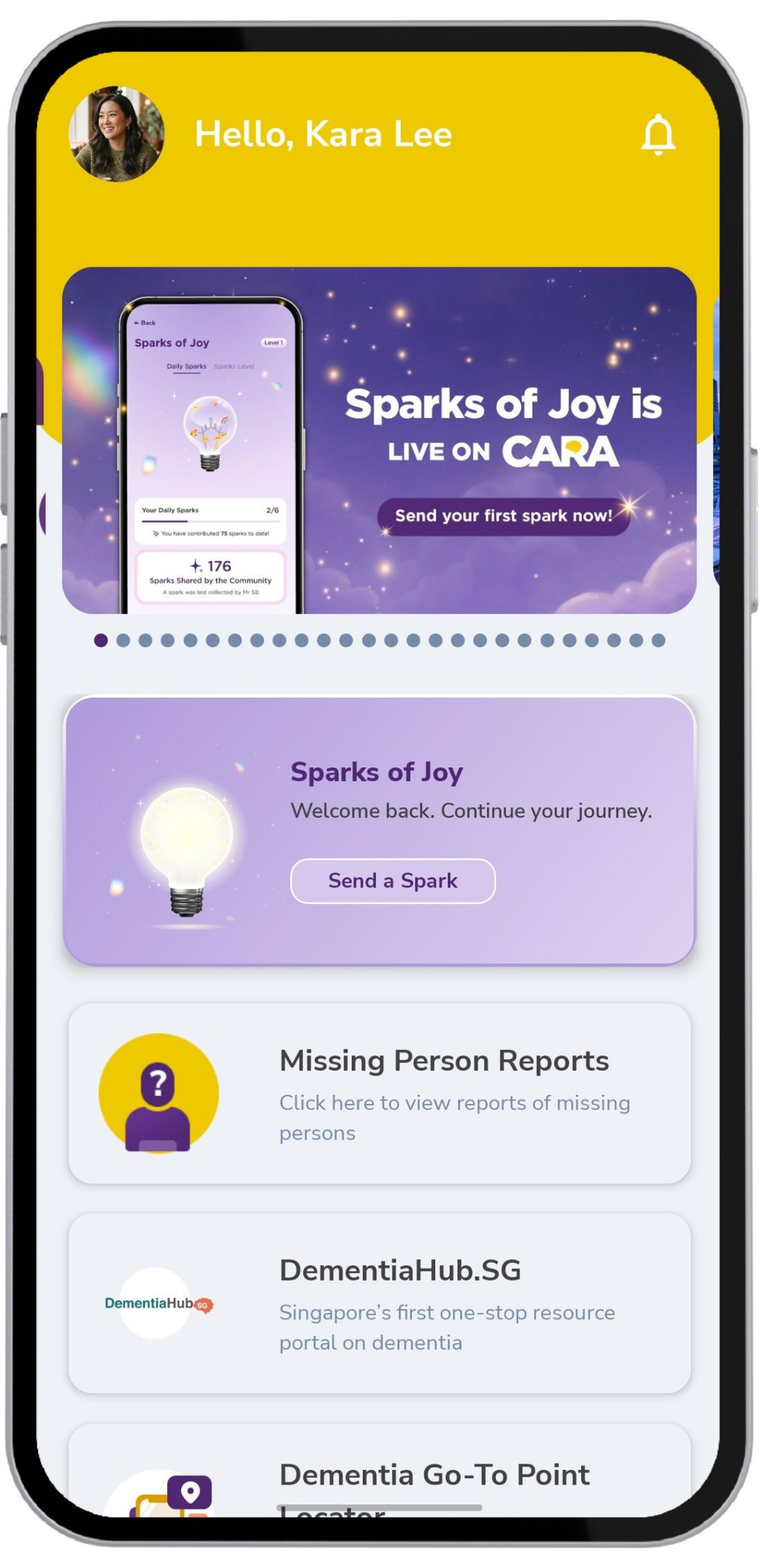
Open Sparks of Joy
From the CARA home screen, tap Sparks of Joy to get started.
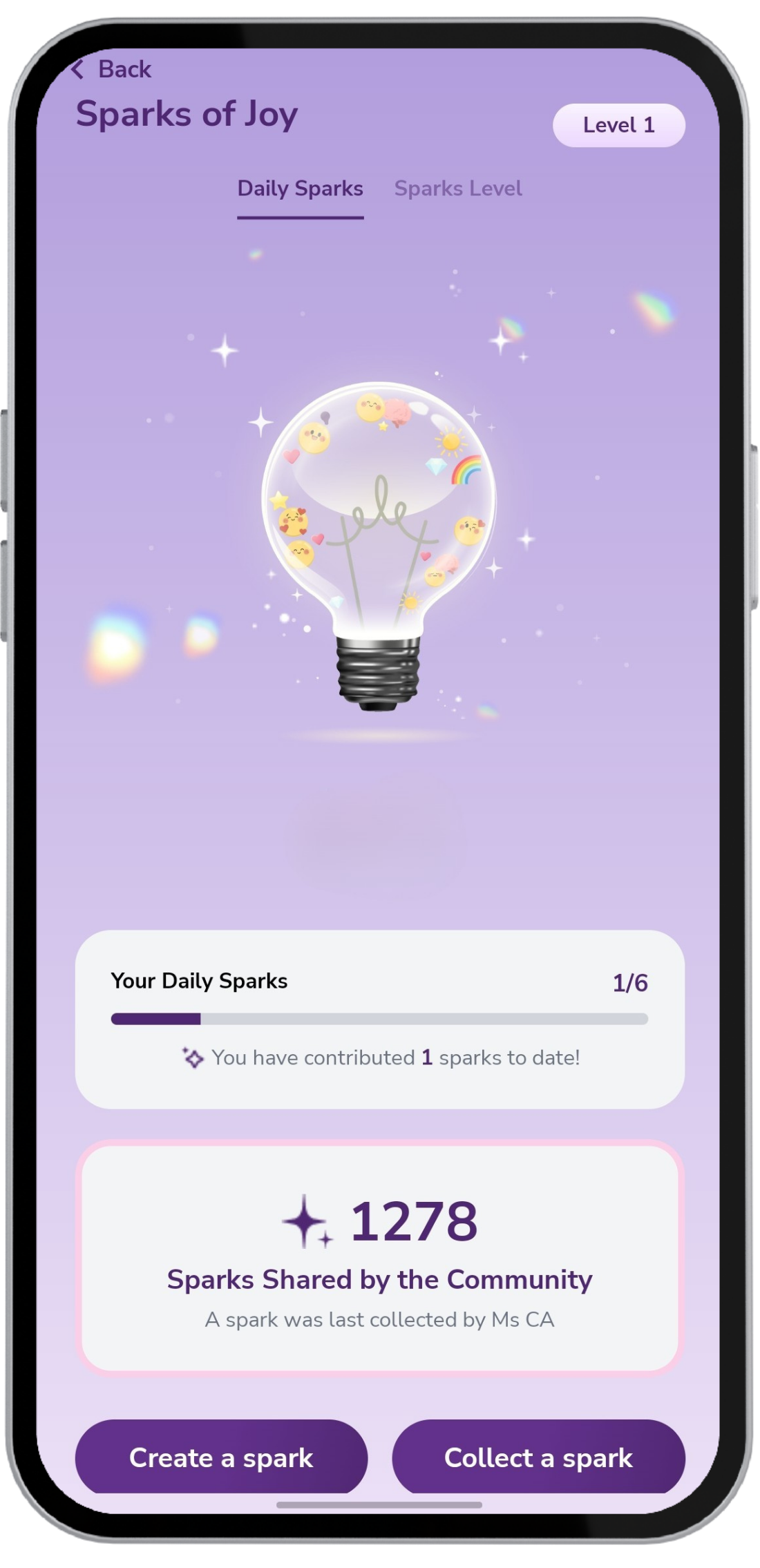
Tap “Create a Spark”
Here, you'll see your daily progress and the total number of Sparks shared by the community. Tap Create a Spark to begin your journey.
If you have signed up as a "Caregiver" or "Person Living with Dementia", you can also choose to Collect a spark.
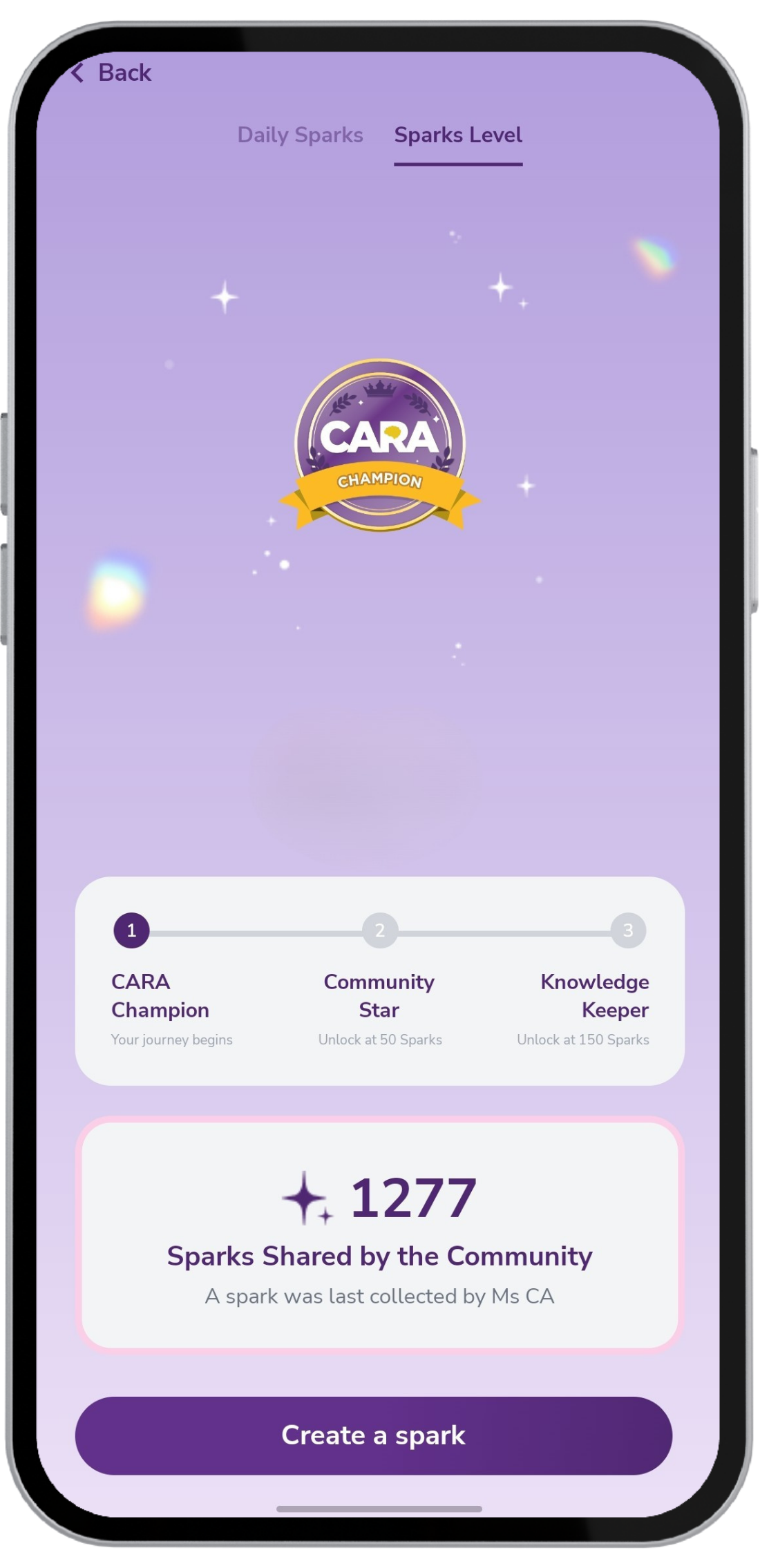
Tap the light bulb to switch to your badge view and see your current badge and progress. Everyone starts as a CARA Champion. Keep creating Sparks to unlock new badges: Community Star at 50 Sparks and Knowledge Keeper at 150 Sparks.
Sparks limit resets at midnight.
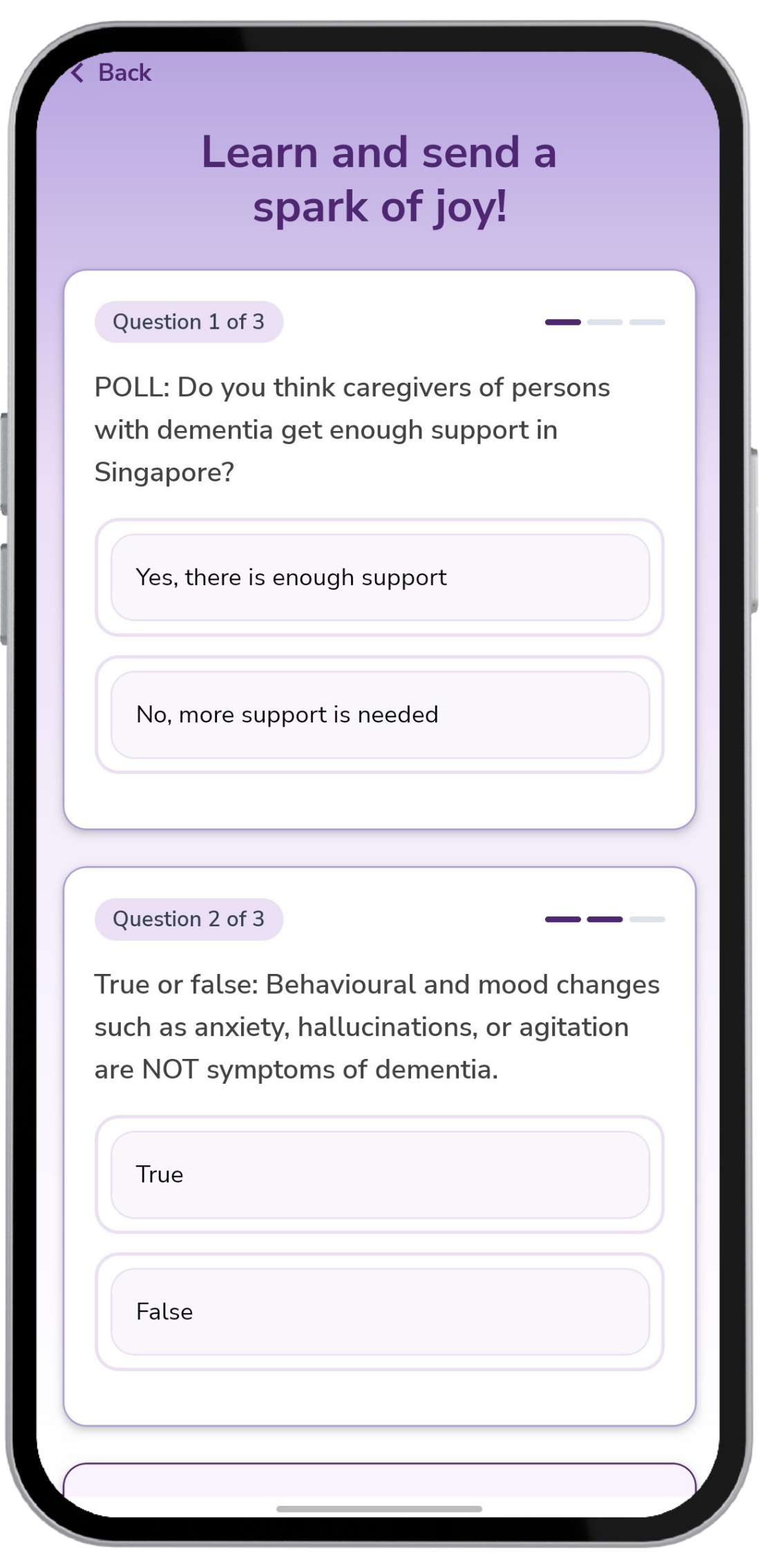
Answer 3 quick questions
Answer three bite-sized questions about dementia. Each question is designed to help you learn something new before creating your Spark. Tap on "Learn More" after answering a question to read more about the topic.
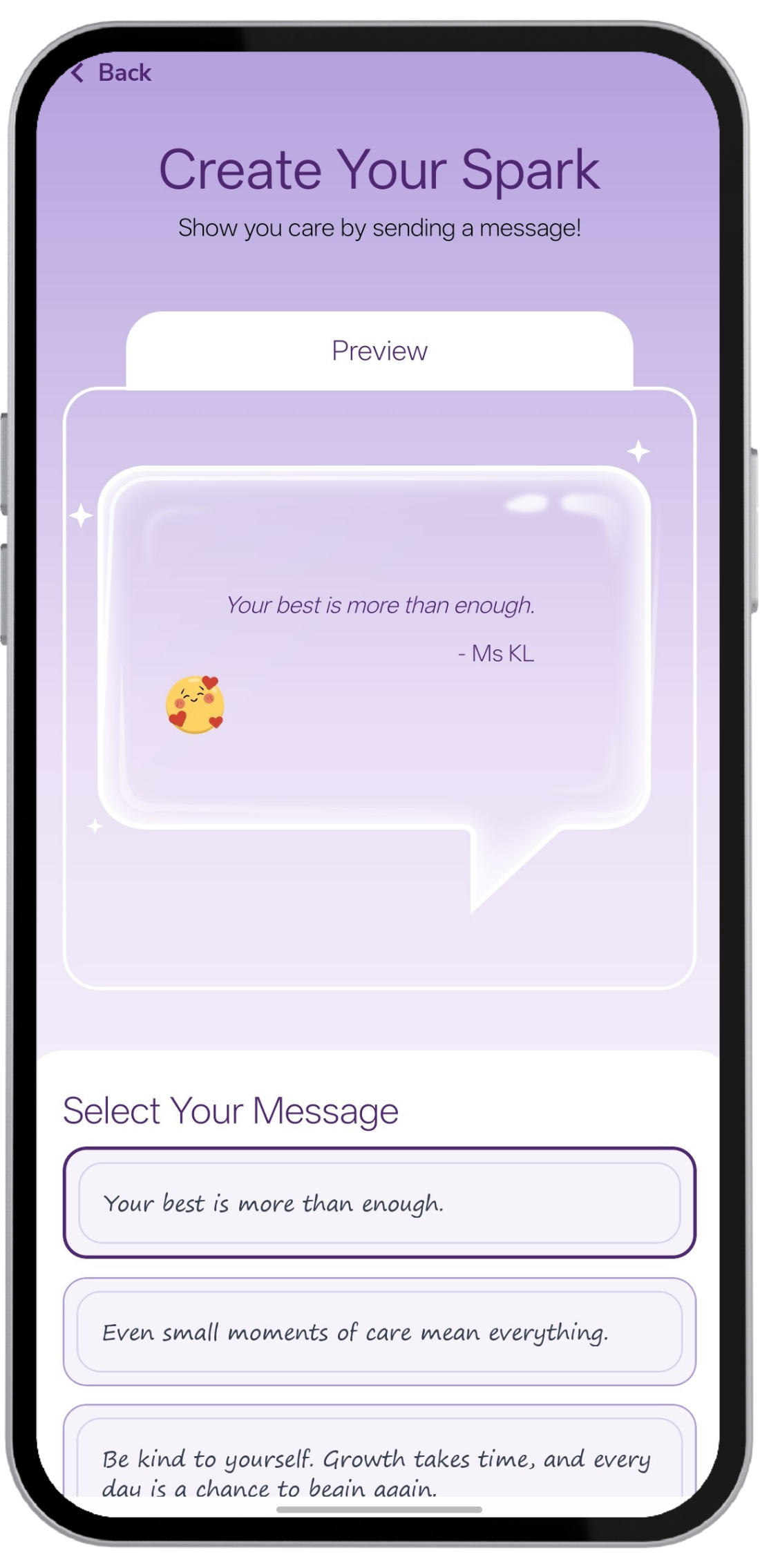
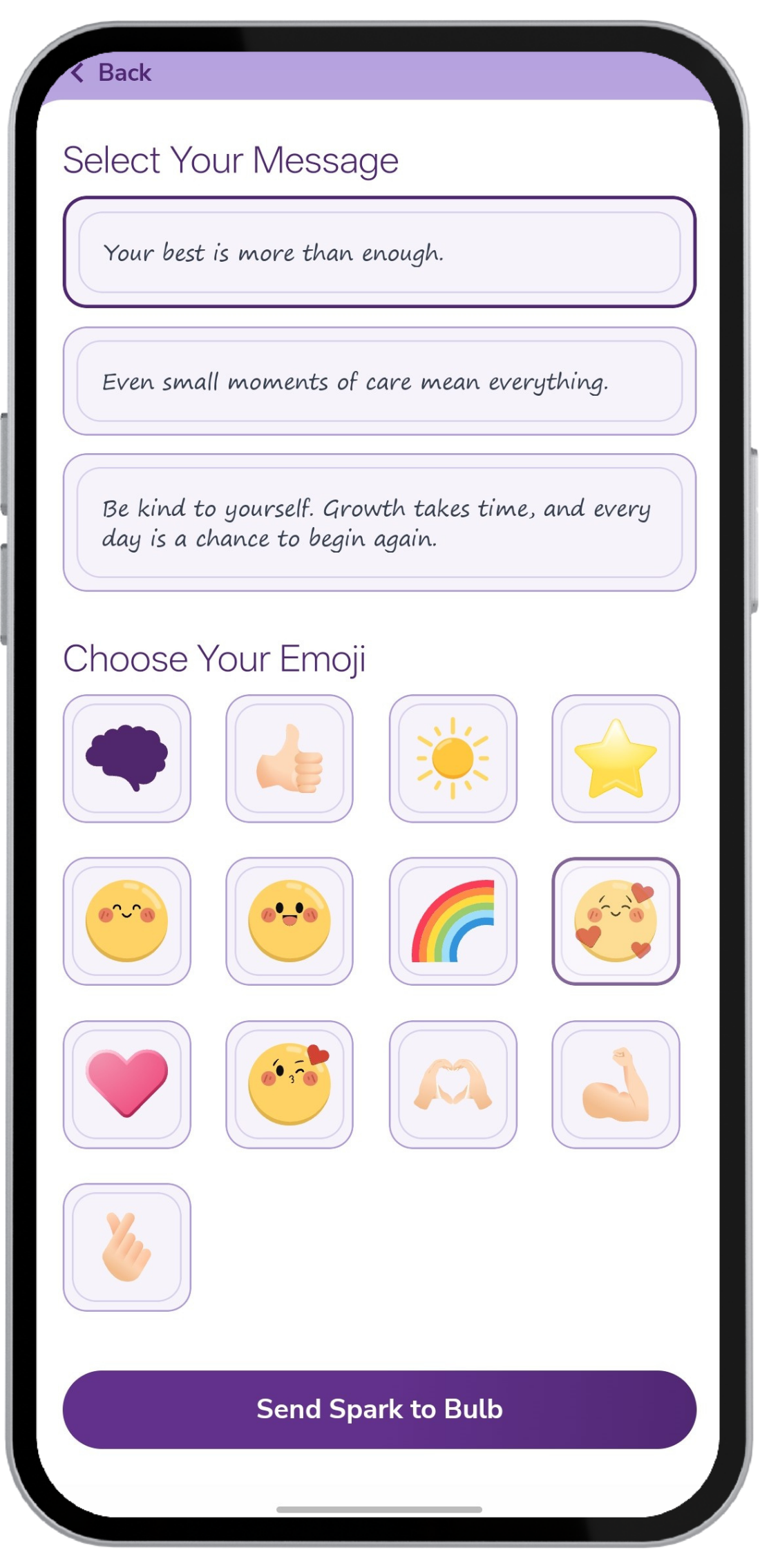
Send your Spark
Choose a note of encouragement and an emoji to go with it. Preview your Spark, then send it to the light bank (bulb), where a caregiver or person with dementia can collect your spark when they need a little encouragement!
If you would like to contribute encouragement messages for the Sparks of Joy feature, you can submit them here.
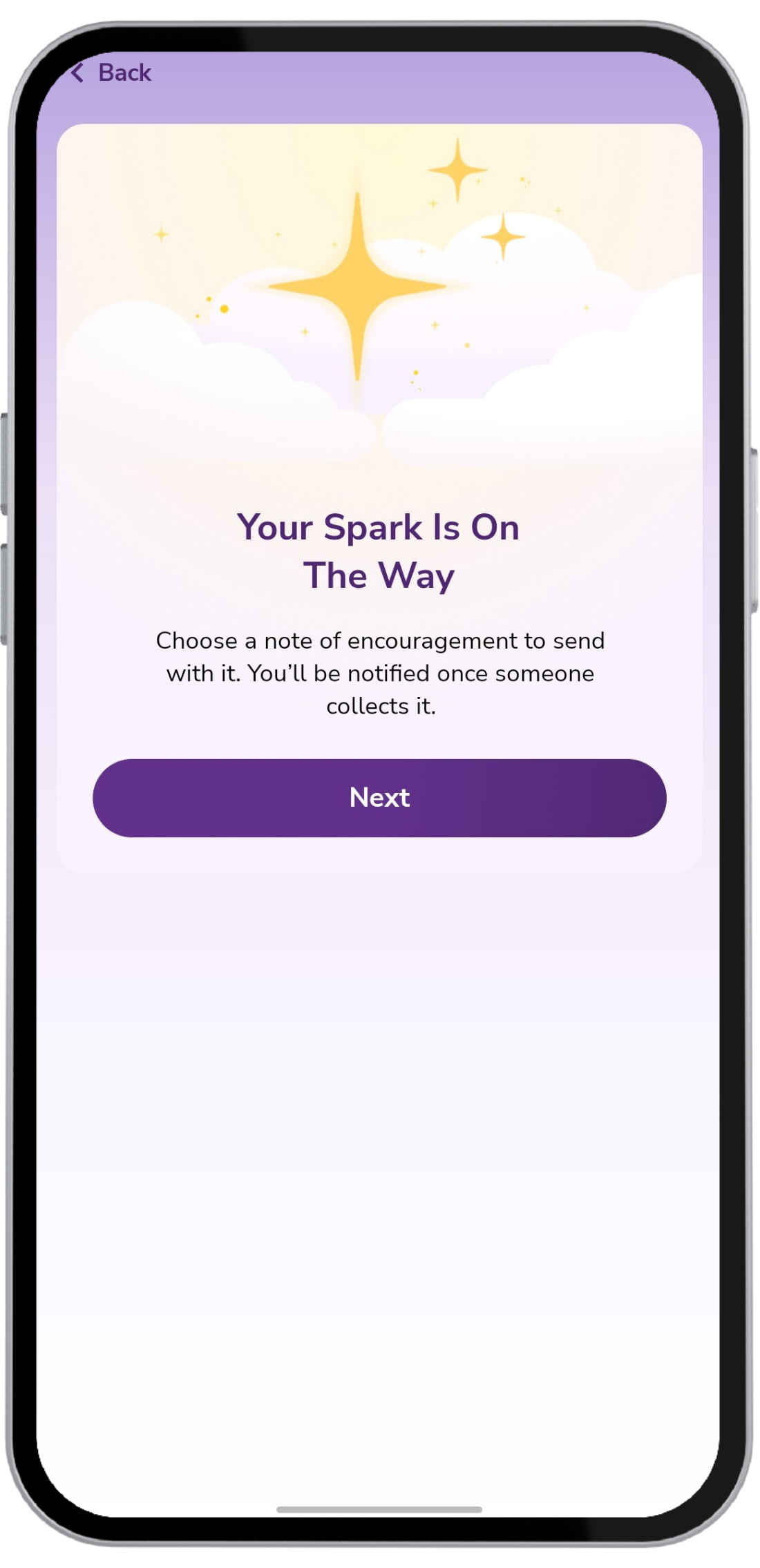
Your Spark is on the way!
Your Spark is now in the light bank, ready for a fellow CARA member to collect. When someone collects your Spark, you'll receive a notification on the CARA app.
Ready to send your first Spark?
Open the CARA app, tap the Sparks of Joy tile on your home screen, and follow the steps above.
Open the CARA AppHow to Collect a Spark
For Caregivers and Persons Living with Dementia
Tap “Collect a Spark”
Tap into the feature and select Collect a spark.
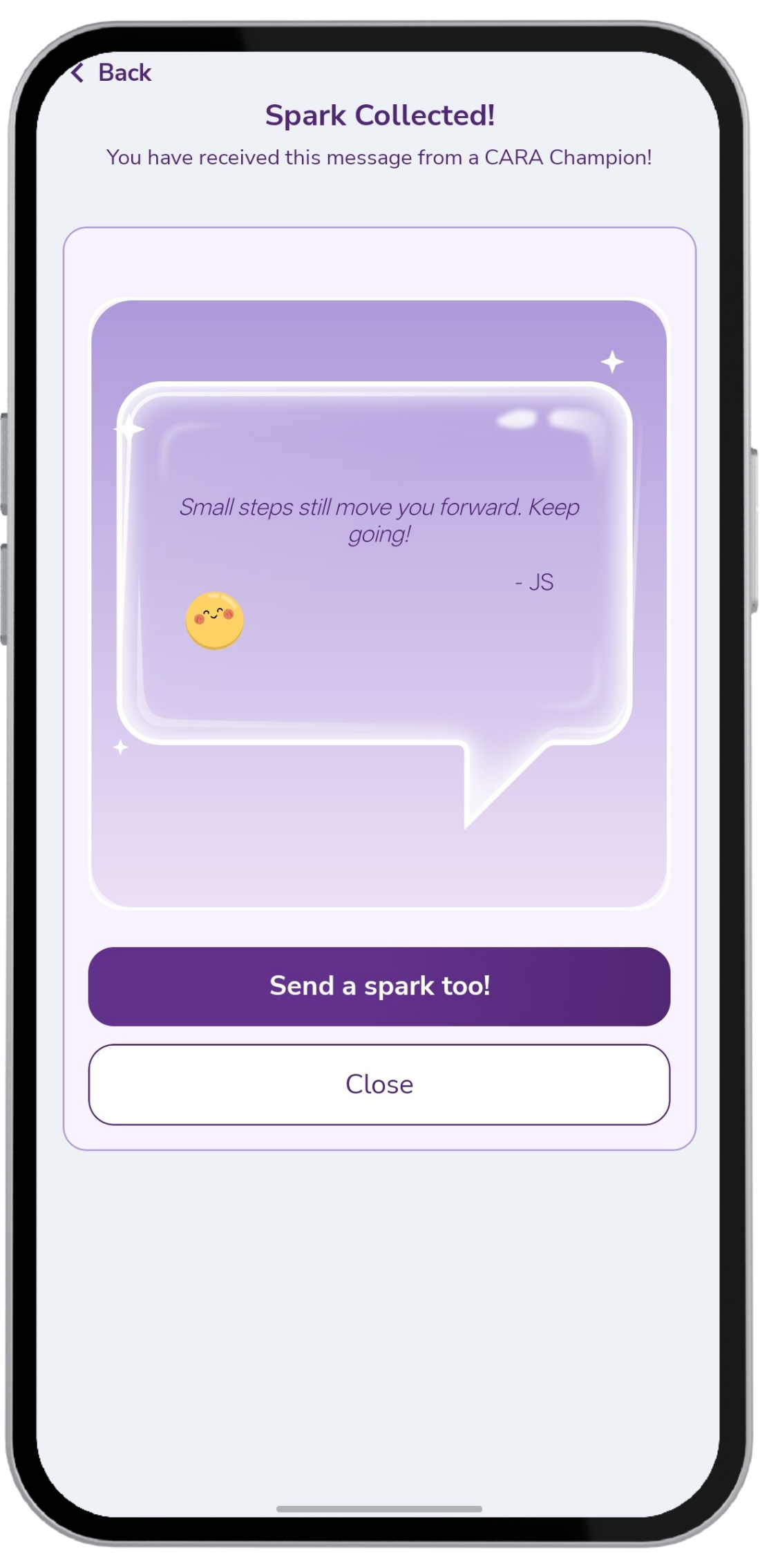
See what's waiting for you
Your Spark is collected! A message of encouragement from someone in the CARA community will be revealed from the light bank.
Need a little lift? You can come back to collect a Spark anytime you need a little encouragement.
Pass it forward
Tap Send a Spark too! to also send sparks of encouragement to others in the CARA community.